

iOS 27 Bugs: Common Issues and Fixes
 Jerry Cook
- Updated on 2026-09-07 to iOS 27
 Jerry Cook
Apple's latest iOS 27 update introduced new features, UI improvements, and performance changes. However, beta software is never fully stable. Like previous beta releases, iOS 27 bugs can affect normal iPhone performance and create problems during daily use. In this guide, we will cover the most common beta problems and show practical fixes that can help restore your device's performance.

- Part 1. iOS 27 Bugs at a Glance
- Part 2. Why iOS 27 Bugs Happen
- Part 3. Minor iOS 27 Bugs You Can Fix Quickly
- Part 4. Common iOS 27 Bugs and Targeted Fixes
- Part 5. The Best Tool to Fix iOS 27 Bugs and Issues
- Part 6. Should You Keep iOS 27 or Downgrade?
- FAQs About iOS 27 Bugs
Part 1. iOS 27 Bugs at a Glance
If you are facing issues after updating, this iOS 27 bugs list helps you quickly identify common problems. Have a look:
| 【iOS 27 Bug】 | 【Common Signs】 | 【Severity】 | 【Best Fix】 |
|---|---|---|---|
| Battery Drain | The battery drops quickly during normal use | Medium | Reduce background activity and update apps |
| Apps Crashing | Apps freeze or close unexpectedly | Medium | Reinstall or update apps |
| Overheating | iPhone becomes hot while charging or browsing | High | Restart the device and reduce heavy usage |
| Wi-Fi Problems | Frequent disconnects or slow internet | Medium | Reset network settings |
| Bluetooth Issues | Devices fail to pair or disconnect randomly | Medium | Forget and reconnect devices |
| Black Screen | The screen becomes unresponsive | High | Force restart or use the system repair tool |
| Boot Loop | iPhone keeps restarting repeatedly | Critical | Use the iOS system repair tool |
| Update Failure | iOS 27 installation stops midway | High | Free up storage and retry update |
| Safari Problems | Pages fail to load, or the browser freezes | Low | Clear Safari cache |
| CarPlay Not Working | CarPlay disconnects or fails to launch | Medium | Reconnect the cable and restart the iPhone |
Part 2. Why iOS 27 Bugs Happen
Beta versions are designed for testing. Apple releases them before the official public version so developers can optimize apps and identify software problems.
Many iOS 27 problems happen because apps are not fully optimized for the new system. Some developers need time to update their applications for compatibility.
Other common causes include:
Incomplete firmware installation
Corrupted system files
Background indexing after update
Old apps conflicting with the beta system
Network configuration errors
Low available storage
Unstable beta builds
Beta updates also contain unfinished features. This is why users often experience random crashes, lag, or overheating during the testing phase.
Part 3. Minor iOS 27 Bugs You Can Fix Quickly
Some iOS 27 issues are temporary and can disappear after a few simple adjustments.
Restart Your iPhone
A simple restart can fix temporary system glitches and clear background errors.
Update Your Apps
Old apps may not work properly with the latest beta version. Open the App Store and install all pending updates.
Free Up Storage
Low storage often causes lag, app crashes, and update failures. Delete unused apps, videos, or downloads to improve performance.
Reset Network Settings
If Wi-Fi or Bluetooth keeps disconnecting, resetting network settings can help restore stable connectivity.
Turn Airplane Mode On and Off
This refreshes wireless connections and may resolve minor network-related bugs.
Reinstall Problematic Apps
If only one app crashes repeatedly, delete it and install it again from the App Store.
Part 4. Common iOS 27 Bugs and Targeted Fixes
1. Battery Drain
Symptoms
Battery percentage drops quickly
The device loses power during standby
Possible Causes
Background indexing after update
Unoptimized apps
Excessive background refresh
Quick Fix
- step 1 Open the Settings app on your iPhone
- step 2 Scroll down and tap General
- step 3 Select Background App Refresh
- step 4 Tap Background App Refresh again at the top
- step 5 Select Off to stop all apps from refreshing in the background
2. Apps Crashing
Symptoms
Apps close suddenly
Apps freeze during launch
Possible Causes
App incompatibility
Corrupted cache
Beta instability
Quick Fix
- step 1 Find the app on your Home Screen
- step 2 Press and hold the app icon until a menu appears
- step 3 Tap Remove App
- step 4 Select Delete App and confirm
- step 5 Open the App Store
- step 6 Search for the same app and reinstall it
3. Overheating
Symptoms
iPhone becomes unusually hot
The device slows down while charging
Possible Causes
Heavy background activity
Beta optimization issues
Quick Fix
- step 1 Press and hold the Side button + Volume button (or Side button only on older models)
- step 2 When the power slider appears, drag it to turn off the iPhone
- step 3 Wait at least 30--60 seconds
- step 4 Press and hold the Side button again until the Apple logo appears
Do the same if you are facing a black screen issue.
4. Wi-Fi Problems
Symptoms
Internet disconnects randomly
Slow loading speed
Possible Causes
Corrupted network settings
Router compatibility issues
Quick Fix
- step 1 Open Settings
- step 2 Tap General
- step 3 Scroll down and select Transfer or Reset iPhone
- step 4 Tap Reset
- step 5 Choose Reset Network Settings
- step 6 Enter your passcode and confirm
After this, reconnect to your Wi-Fi manually. This often fixes connection drops and slow speeds.
5. Boot Loop
Symptoms
The Apple logo appears repeatedly
The device keeps restarting
Possible Causes
Failed update
Corrupted iOS files
Quick Fix
- step 1 Connect your iPhone to a computer using a cable
- step 2 Open Finder (Mac) or iTunes (Windows)
- step 3 Perform the force restart steps (Volume Up → Volume Down → hold Side button)
- step 4 Keep holding until the recovery mode screen appears
- step 5 Choose Update first (to avoid data loss) or Restore if needed
6. CarPlay Not Working
Symptoms
CarPlay disconnects suddenly
Navigation fails to load
Possible Causes
Beta compatibility issues
Faulty cable connection
Quick Fix
- step 1 Open Settings
- step 2 Go to General
- step 3 Tap CarPlay
- step 4 Select your car from the list
- step 5 Tap Forget This Car
- step 6 Restart your iPhone
- step 7 Reconnect using USB or wireless setup
7. Safari Freezing (Fix: Clear Safari Cache)
Symptoms
Pages not loading
Browser freezes
Causes
Cache issues
Beta bugs
Quick Fix
- step 1 Open Settings
- step 2 Scroll down and tap Safari
- step 3 Tap Clear History and Website Data
- step 4 Confirm the action
- step 5 Close Safari completely and reopen it
Part 5. The Best Tool to Fix iOS 27 Bugs and Issues
If basic troubleshooting does not solve the problem, using a professional repair solution can save time and prevent data loss. UltFone iOS System Repair is designed to repair serious system-level problems caused by beta updates and firmware instability.
Key features include:
No Data Loss repair process
One-click iOS downgrade
Fixes over 150 iOS issues
Repairs black screen and boot loop problems
Compatible with the latest iOS versions
Supports most iPhone and iPad models
Unlike factory resets, the software repairs the operating system while keeping photos, apps, messages, and settings intact.
It is especially useful when your iPhone:
gets stuck on the Apple logo
enters a boot loop
freezes during startup
fails to install updates
crashes repeatedly after updating
For users dealing with the serious iOS 27 bugs, this tool provides a safer and faster solution than restoring the device manually.
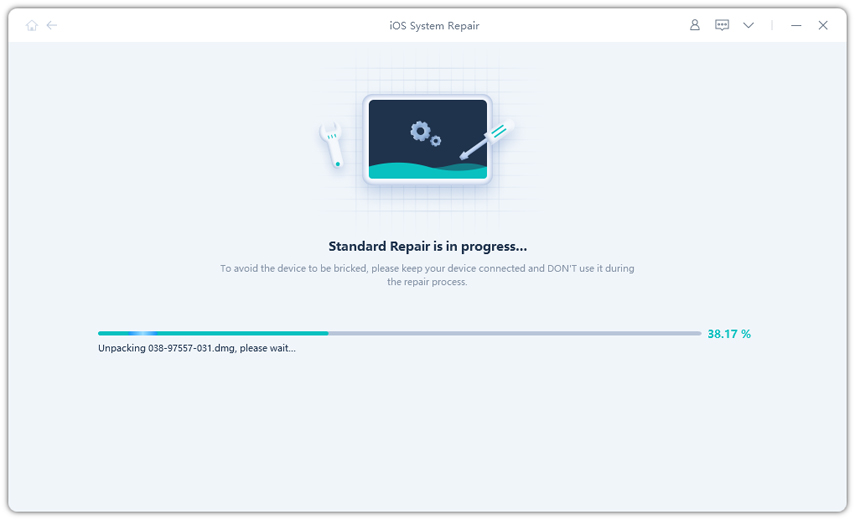
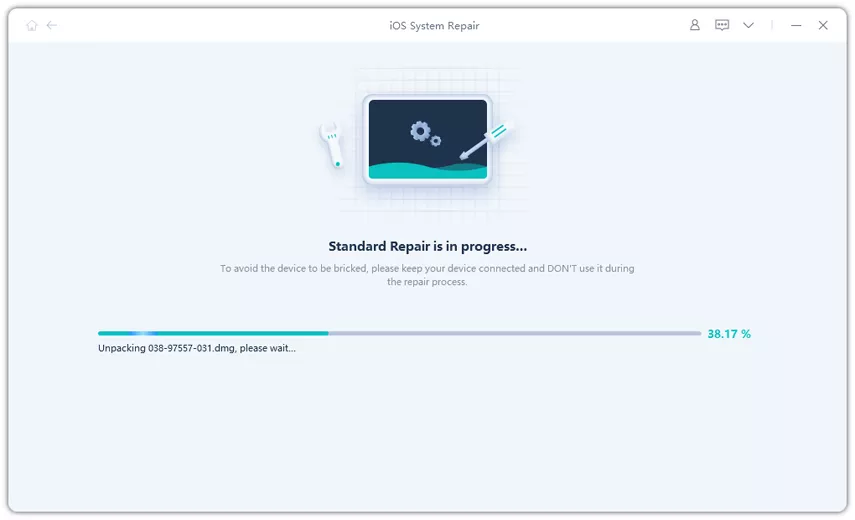
How to use UltFone iOS System Repair to solve iPhone 27 beta bugs?
-
step 1Launch the tool and select the repair option to fix.
-
step 2 Download the correct iOS firmware automatically.
-
step 3Now start the repair process to fix iOS problems and solve the bugs instantly.
If you're dealing with a device that's already misbehaving, UltFone is genuinely the smarter starting point. It removes the margin for error that manual IPSW installs carry.
Part 6. Should You Keep iOS 27 or Downgrade?
| Situation | Best Choice |
|---|---|
| Minor battery drain | Wait and monitor |
| App crashes occasionally | Update or reinstall apps |
| Banking/work apps fail | Consider downgrading |
| iPhone gets very hot often | Stop using beta on the main device |
| iPhone stuck in a boot loop | Use system repair first |
| No backup available | Avoid restoring unless necessary |
| Daily use is affected | Downgrade to stable iOS |
If your device still works normally, waiting for the next beta update may be the best option. Apple usually fixes many problems in later beta releases.
However, if your iPhone becomes unstable during daily use, downgrading to a stable iOS version is often the safer choice.
FAQs About iOS 27 Bugs
1. What are the most common iOS 27 bugs?
The most common issues include battery drain, overheating, app crashes, Wi-Fi instability, black screen errors, and installation failures. Many users also report iOS 27 known issues related to compatibility with older apps.
2. Can I fix iOS 27 bugs without losing data?
Yes. Many minor issues can be fixed by restarting the device, updating apps, or resetting settings. For serious system errors, repair tools like UltFone can repair iOS without erasing your data.
3. Should I install iOS 27 on my main iPhone?
Beta software is mainly intended for developers and testers. If you rely on your iPhone for work, banking, or daily communication, it is safer to wait for the stable release because iOS 27 glitches may affect normal usage.
4. Is iOS 27 safe for daily use?
The beta version is usable for testing, but it may still contain stability issues, crashes, and performance problems. Users should expect occasional bugs and incomplete optimization during the testing phase.
Conclusion
iOS 27 brings many new features, but the official release may still have stability and compatibility issues. Some users report iOS 27 known bugs, including overheating, battery drain, app crashes, installation failures, and performance problems.
Minor problems can usually be fixed with simple troubleshooting steps like restarting the device, updating apps, or resetting settings. However, severe iOS 27 bugs may require a professional repair solution.
UltFone iOS System Repair provides a practical way to repair system problems, downgrade iOS versions, and restore normal device performance without data loss.
- 1-click to fix iPhone/iPad stuck in recovery mode for free
- Repair 150+ iOS 27/26/18 update problems without data loss
- Fix iOS 27/26 downgrade stuck problems
- Downgrade iOS 27/26 without losing data
- Fix 100+ iOS update/restore error
